

Contents
Demo Link
Link building has evolved into a data-driven process.
The right tools can significantly impact speed, accuracy, and results. From finding link opportunities to analyzing competitors and tracking performance, modern link-building tools help streamline every stage of the workflow.
However, with so many platforms offering overlapping features, choosing the right ones can be overwhelming.
This guide breaks down the best paid and free tools for link building, what each category is actually useful for, and how to choose tools that fit a manual, relevance-first approach rather than chasing scale for its own sake.
Link-building tools are there to support sound judgment, not replace it.
Strong tools simplify prospecting, improve outreach efficiency, and help protect link quality. The features that matter most are the ones that support relevance, accuracy, and long-term SEO safety, especially when links are being built manually and at scale.
Key features include:
A good link-building tool should help you find sites that actually make sense for your niche, not just sites with inflated metrics. Relevance is what gives a link its real value.
Strong prospecting features surface publishers, journalists, and websites already covering related topics, uncover unlinked brand mentions, and save you from hours of manual searching. If a tool can’t help you build a focused, relevant prospect list, it’s not doing its job.
Competitor analysis removes guesswork from link building. When you can see where competitors are earning links, patterns start to appear quickly.
Tools that offer backlink analysis and gap discovery help identify domains that already link to similar businesses but not to you. These are proven opportunities, especially when multiple competitors are earning links from the same types of sites.
Outreach is still manual if you want good links. There’s no getting around that. That said, tools can save a lot of time by managing contacts, templates, and follow-ups.
The key is that they support personalisation rather than replace it. Mass-sent emails might look efficient, but they rarely work long-term. Email verification is also important. There’s no point in sending great pitches to dead inboxes.
Link building isn’t just about building links. It’s also about knowing what’s already pointing at your site.
A good tool should help you analyse your backlink profile, spot toxic links, and keep an eye on anchor text. This becomes more important as sites grow and pick up links naturally over time.
Cleaning up a bad link profile is a lot harder than keeping a good one clean in the first place.
Automation is useful, but only when it’s used properly. The best tools automate boring tasks like data collection and reporting, not decision-making.
AI features can help surface patterns or prioritise prospects, but they shouldn’t be used to pump out generic outreach emails or low-quality links. If a tool promises “hands-off link building, that’s usually a red flag.
Everything you do in link building depends on the data being right.
If the backlink data you currently have is outdated or unreliable, you’ll end up chasing mostly poor opportunities or missing good ones. The tools need to show fresh links, lost links, referring domains, and anchor text clearly so you can make informed decisions.
Finally, reporting matters more than people think.
Whether you’re reporting to clients or internal teams, you need to show what links have been built, where they came from, and how they fit into the wider strategy. Tools that integrate with analytics platforms make this easier and help connect link-building work with actual performance.
Pretty reports are nice, but useful reports are better.

We wanted to start the new year by looking at some of the best Link Building tools.
This list will help you improve your search rankings, help you acquire high-quality links and improve your website authority.
Looking to build links? Need the right tools? This is for you.
OK, let's get into it.
So, it can be challenging to know where to start when it comes to selecting the best link-building tools - or any SEO software for that matter.
There is no one, ultimate, Link Building tool.
Many claim to be 'The only link building tool you need' and they might have a nice suite of tools. However you can find that you only use half of them and by that time you discover that, you probably have already bought a year's worth of usage from the platform.
For this reason, we've created a list of 25 different link-building tools and SEO tools that we feel are the best available to help you acquire links.
As we said, most platforms claim to be the best, but best at what?
For that reason, we have split the tools up into categories, from Link Research to link prospecting.
We've looked at overall usefulness, value for money, and each platform's unique offerings.
We also wrote a separate post on free link building tools so if budget is an issue, I suggest you check out that post.
We have also included the link building tools that we use everyday to build links.
You may even choose to use a combination of the below for the best results. We've included tools that we feel meet all budgets and cater to a range of users, from individual link builders to small and large search agencies.
After putting in the research, we believe that the following are the best tools for link building in 2021.

Before you build links, you need to understand which ones are already earning them and why. Link research and analysis tools give you that visibility. They help you see backlink profiles, spot patterns, and uncover gaps you’d never find by hand.
These are the tools we use for link research and analysis:
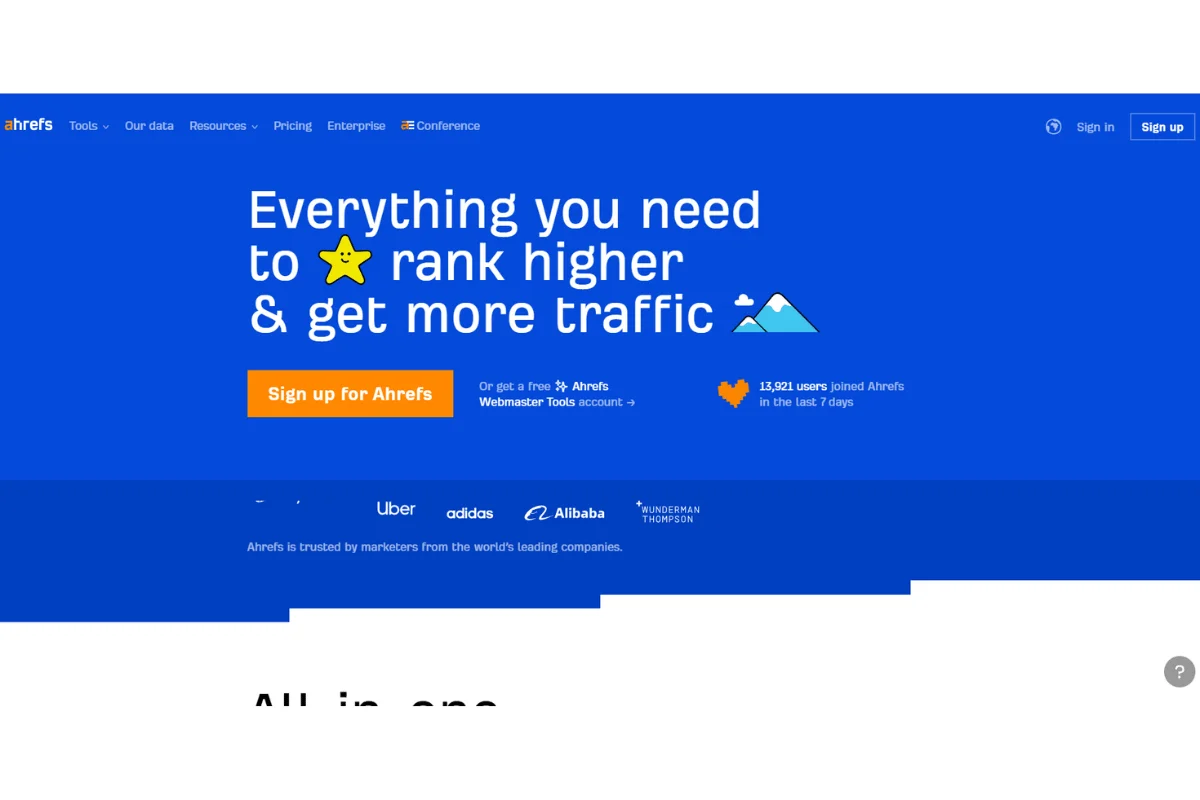
Ask any SEO professional or marketing guru about the best dedicated link building tool and they’ll mention Ahrefs without a second thought. Whether you’re looking for software for content marketing, keyword research, or link building, Ahrefs has got you covered.
For our agency it's a vital part of our tool stack and is heavily used as part of our Link Building process. Everyone uses it, from myself (Link Audits, the target Keyword for a page,looking for broken link building opportunities, checking referring domains), our Campaign managers (Checking our clients and their competitors website's backlinks) through to our Link Prospectors(great for finding resource pages and guest post opportunities).
Ahrefs describe themselves as an “All-in-one SEO toolset”, something that’s not an empty boast. They are also an ideal platform for those new to search engine optimisation, as they offer a comprehensive (and complementary) bank of learning materials.
The suite comes with six distinct features: content explorer, site explorer, positions explorer, Ahrefs alert, crawl reports, and position tracker. Each of these features plays a critical role in finding backlink opportunities, plus they’re all efficient and fast. the dashboard layout is excellent but I would say I preffer the older site overview to the new overview 2.0.
For instance, Ahrefs Alerts keeps you updated with new referring domains and mentions in real-time. Using this feature enables you to receive instant notifications via email whenever your competitors get a new backlink. What’s more, it can notify you if somebody mentions your website or a particular keyword.
Ahrefs has four plans with a price range of between $99 and $999 per month. Before that, you can test the tool by subscribing for its 7-day trial for $7. Pricing is the main bone of contention that SEO professionals have with ahrefs, it's now all over the place and is not very clear, it is however a powerful tool that most seo agencies could not live without.
Looking for new Link opportunities? This feature keeps you updated on the sites that link to your competitors and not linking to you. How’s that important, though? Your competitor may be getting linked to from a reputable site but that doesn’t guarantee the site will be willing to link to you. However, if two or more of your competitors secure backlinks from that site, chances are you’ll also get accepted.
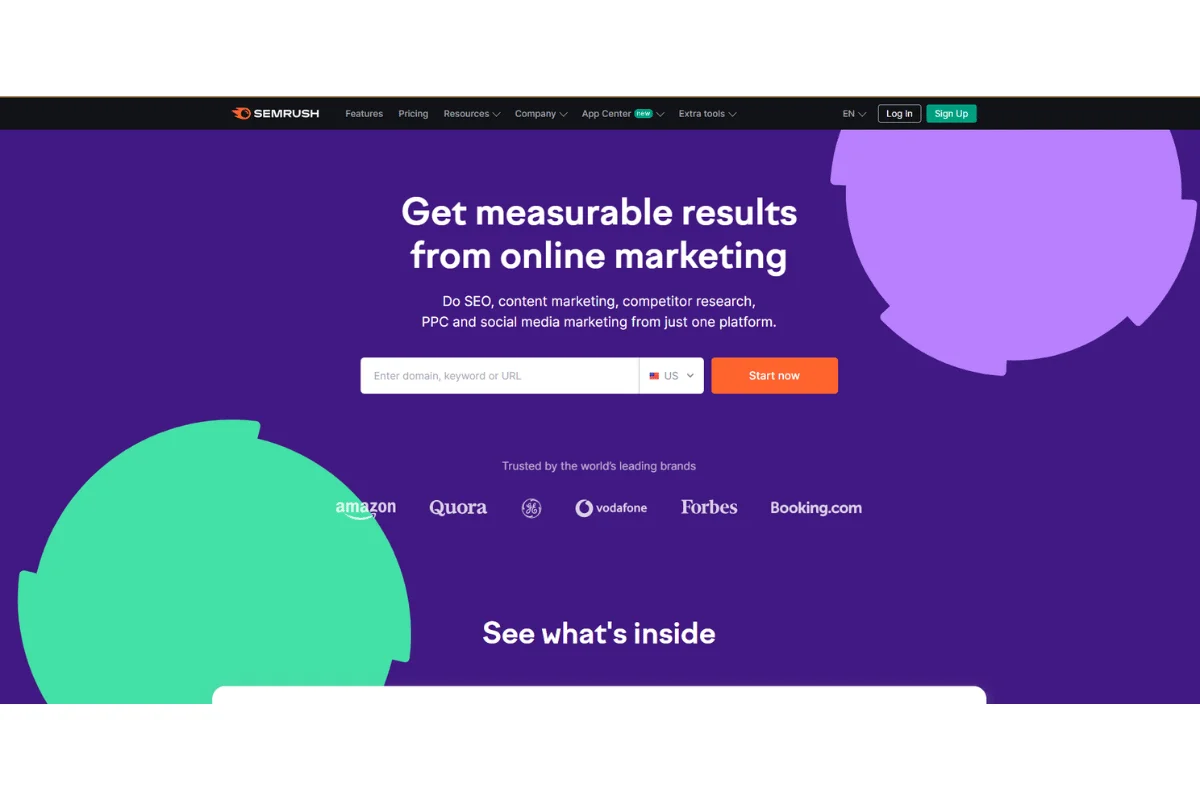
SEMrush is another Industry leading all-in-one SEO toolkit for keyword research, competitor analysis, backlink audit, link building, etc. It’s a trusted tool with a customer base of more than 5,000,000 plus over 1000 media companies the world-over.
Semrush and Ahrefs are the two heavy hitters when it comes to the SEO tools marketplace and if you have the budget then get both.
With this tool, you can have an unparalleled view of your competitors’ strategies, explore their keywords and domains they’re ranking for, and analyze their performance via a mobile device or a desktop.
SEMrush has three different payment plans; the lowest-priced is Pro and costs $99.95, followed by Guru which costs $199.95, and the Business plan wraps it up at $399.95 all billed monthly. Before that though, we’d recommend its 7-day free trial too!
Want to easily grasp the keywords that you and your rivals both have in common?Or find out where your rivals are targeting keywords that you aren't? The Keyword Gap Tool is just the job.

You can compare up to 5 domains at a time and see common keywords, unique keywords, unique keywords in the first keyword domain, and then a complete view of all keywords. If you have selected the competitors and the set of keywords you want to see, you will be able to dig into each keyword and filter the data by metrics such as specific keyword, location, MSV, and more.
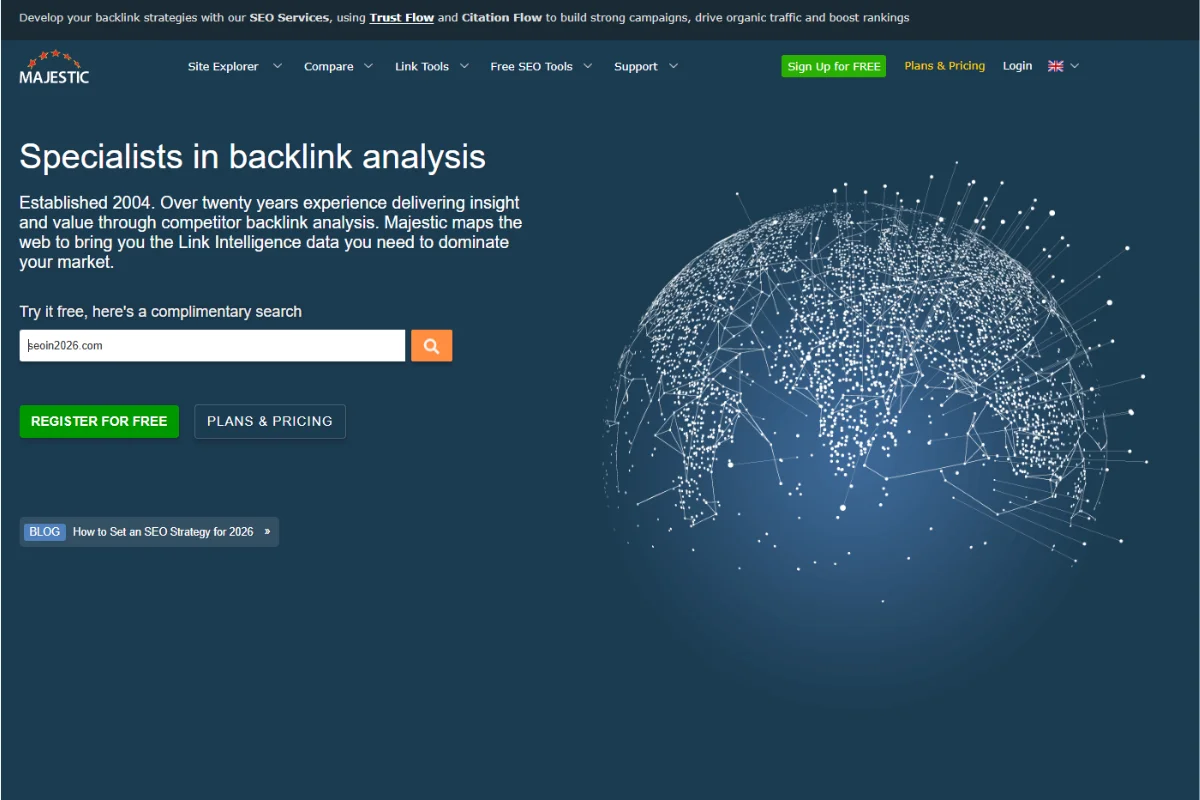
One of the grand daddies of Search Engine tools, maybe a bit in the shadow of Ahrefs and Semrush these days but still, their metrics are important and trustworthy. For many years in the SEO industry this was the go-too Link building tool for anyone in search.
Majestic SEO allows users to track their domain dominance, external links,number of backlinks, anchor text etc. It boasts one of the biggest link index databases (they claim the biggest, but ahrefs would dispute that) supported by their bespoke metrics.
Trust Flow is a measure of the quality of links that point to URLs and websites. Typically, a web page with a higher trust flow than Citation Flow would have good-quality links.
Citation Flow looks at the quantity of links that point to a website. Citation Flow does not care whether a link is of good-quality, or poor quality.
Majestic SEO is available in three plans; Lite, Pro, and API. The lite plan costs $49.99 per month and is ideal for domains and light users like freelancers. The Pro plan costs $99.99 and it comes with additional features like email alerts and custom reports. Lastly, API costs $399.99 and is ideal for software developers and digital marketing agencies.
As a link building and outreach agency we care about the quality of the links we build and using Trust Ratio helps us to do this.
To get the Trust Flow you simply do the following calculation: Trust Flow / Citation Flow = Trust Ratio
If the Citation Flow is high and the Trust Flow is poor, this means that the website being reviewed has a lot of link equity (or “juice”), but little trust in those links. This generally means that these links have been taken from “spammy” parts of the web because they are not similar to authoritative sources.
On the other hand, if a site has a high amount of Trust Flow and a low Citation Flow, this means that links to that site come from very credible sources, i.e. A trustworthy place from which you want a connection.
What is a good trust ratio? Well, there are many different opinions on this, but we typically like to see a TR higher than 0.4, otherwise, it is a higher chance that the site has lower quality or spammy links. anything closer to 1 is brilliant.
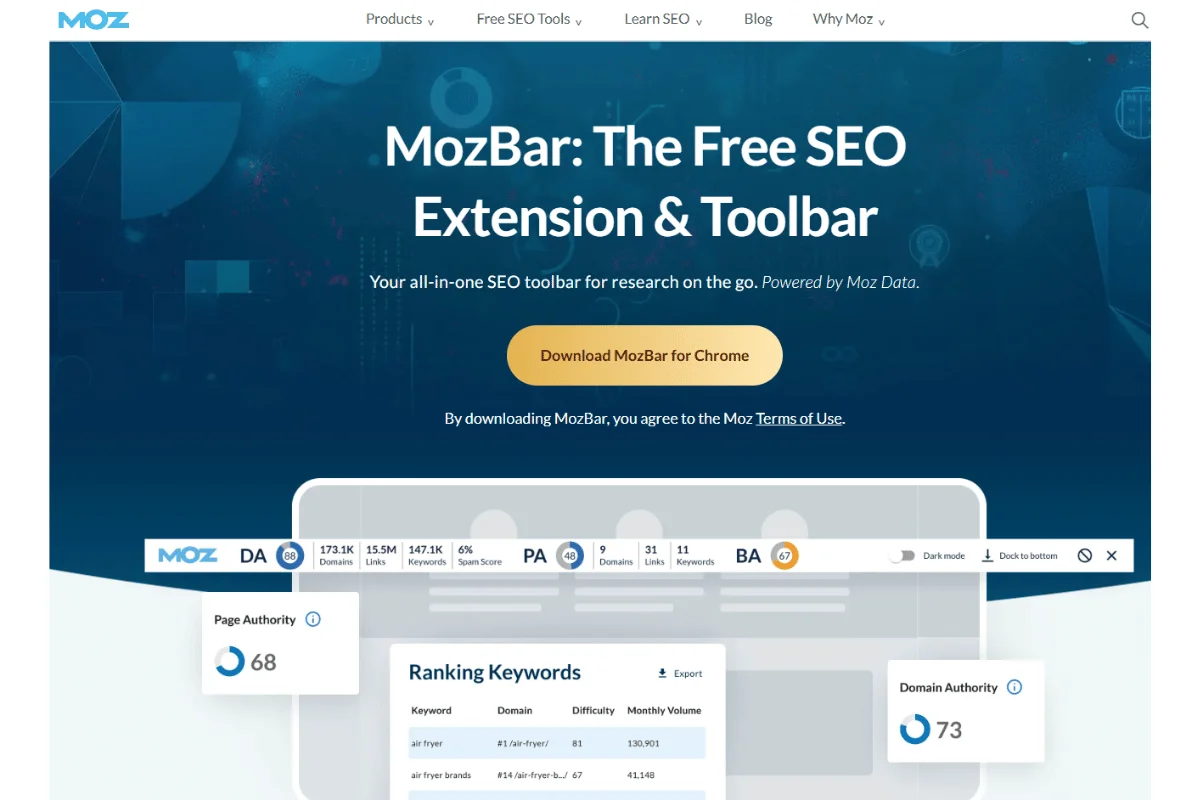
Ah, Moz, the OG of SEO products!
It's expanded over the years and now has a range of solutions from site audits through to Keyword research. However, many people know Moz for its respected Domain Authority (DA) metric. It was revamped a couple of years ago and is useful to use alongside Ahrefs and Majestic metrics to build a picture of how valuable a link is.
Moz Link Explorer has four payment plans; standard, medium, large, and premium. Price ranges from $99-$999 whilst you can take advantage of its generous 30-day free trial period to get started!
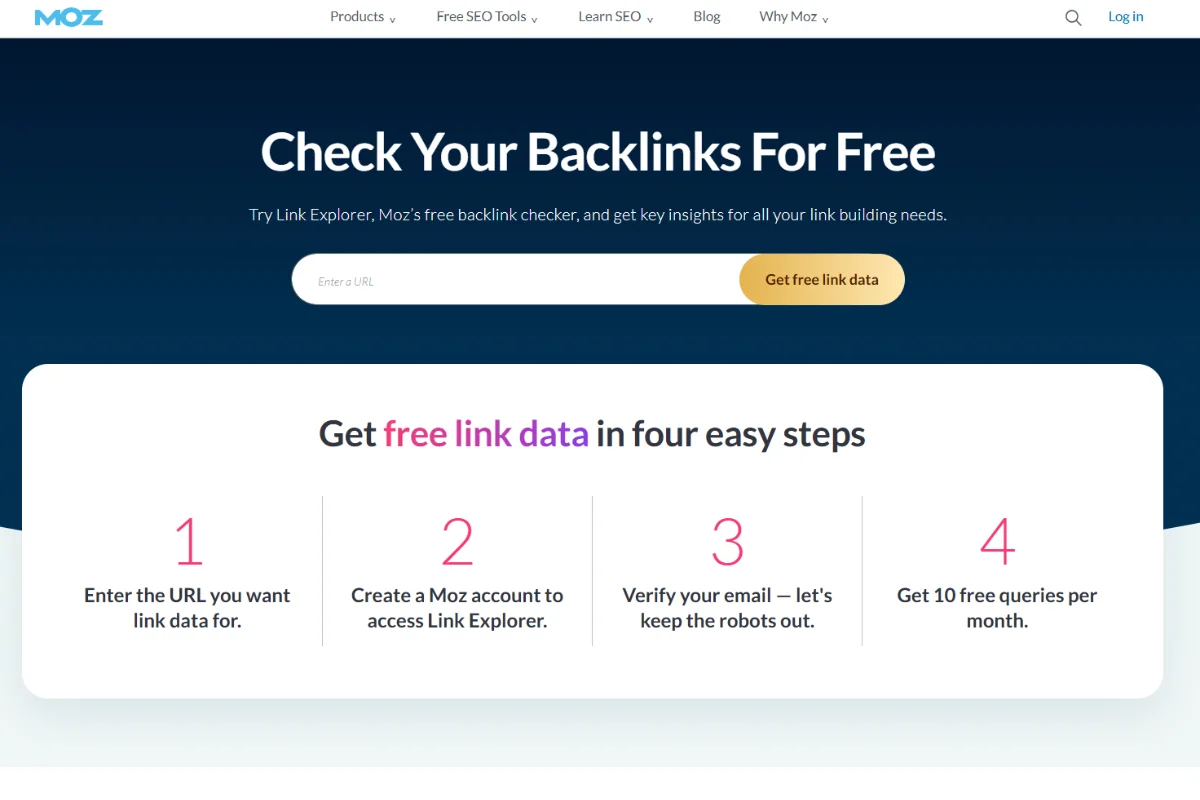
Moz Link Explorer is an excellent tool to help you find your competitors’ websites pages, their overall backlink profile, the quality and quantity of linking domains, and the types of anchor texts used. It has a premium suite known as Moz Pro which offers a helpful anchor text analysis feature to allow you “reverse engineer” your competitors’ backlinks.
The tool comes with a simple interface that makes navigating and understanding backlink data a no-brainer.

Linkody is a link building tool that leverages robust metrics from established tools like Majestic and Moz to track backlinks. You can use it to track lost and newly acquired links, explore your backlink profile, observe competitors’ link moves, and detect potentially harmful links.
Linkody has five payment plans with prices ranging from $13.90 to $138.90 for Webmaster and Agency XL respectively.
This feature helps you identify the top pages that gets the highest number of links. You can then adopt what’s working for your competitors and drop backlinking strategies that are slowing down your growth.
Linkody doesn’t offer the same perks of the bigger sites like Ahrefs. However, those with a smaller budget or those looking for a more straightforward experience will be right at home with the platform.
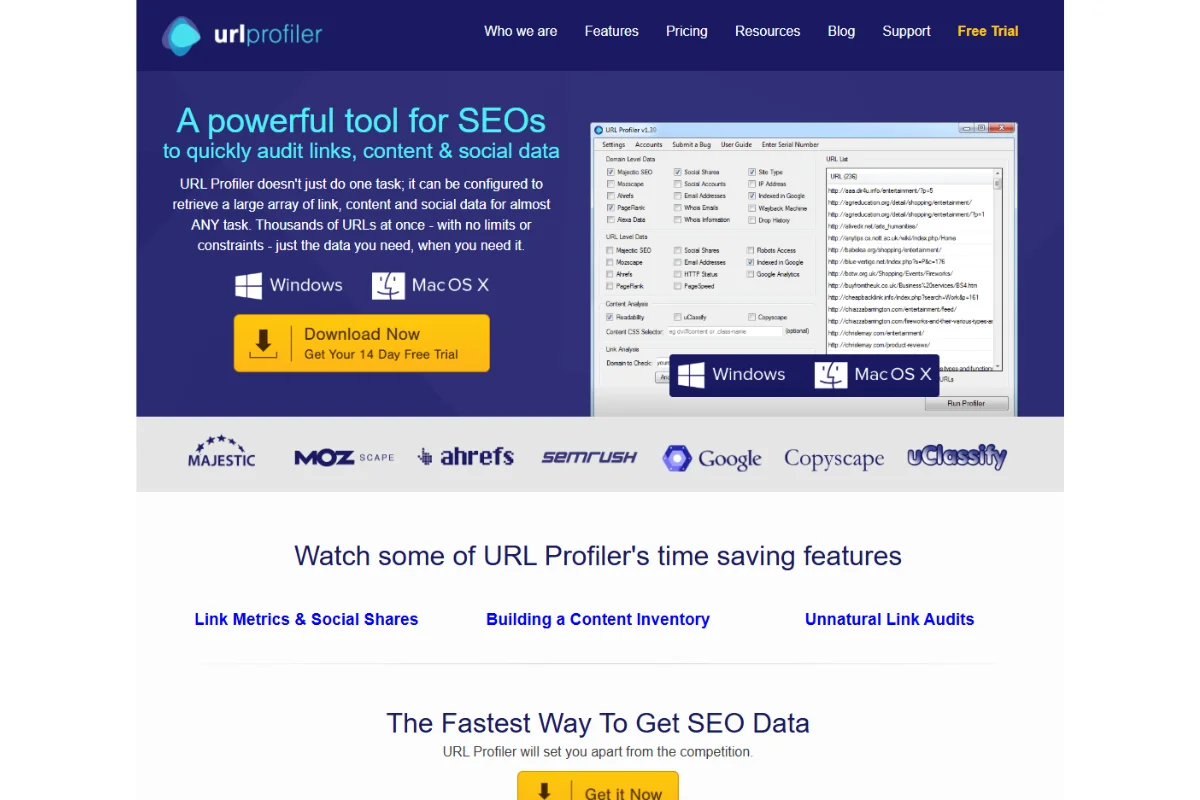
Like Linkody, URL Profiler draws its data from a range of other high-profile tools – including Ahrefs, Google Analytics, Moz and SEMRush. To use it, you’ll need to download it and add a list of URLs that you wish to audit.
This enables you to search and assess data such as social link metrics, media shares, page rank, page speed, HTTP status, robot access, etc.
The tool then provides a report in the form of an Excel file.
I know a lot of SEO people that really rate this tool, I have it on my 'to do list' to get to grips with it.
The URL profiler is available in three different plans, each having different prices. They include Solo ($29.95), Pro ($39.95), and Agency ($99.95). Note that these are the prices for monthly billing.
There are a number of tools out there to find the best link building prospects but I really like this.
You can target only the most relevant sites for link opportunities like guest posts with topical link prospecting using Majestics data and also extract the relevant email address.
While the platform looks like it’s ripped directly from Windows 98, don’t let that fool you. URL Profiler is the real deal for those looking for accurate link building and data analysis.
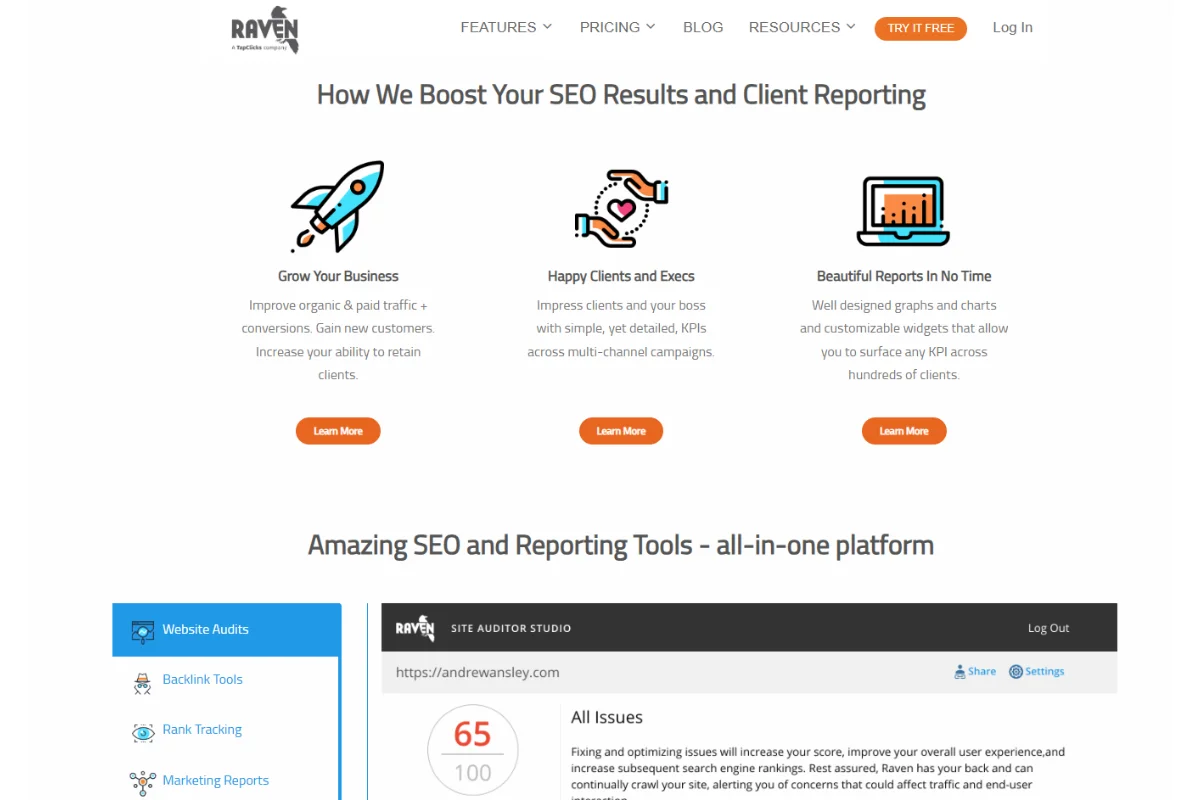
Have you been wondering why your competitors are always outranking you? Or what keywords, anchor texts, and links they’ve been using to rank higher? Raven Tools have the ultimate answers to these questions! You can bank on the suite for high-quality SEO, link building, research, and reporting.
It has an all-in-one toolbox comprising reporting and tools such as keyword and competitor research, backlink analysis, site audits, SEO data, rank data, and social reporting. It's pretty easy to use too.
The lowest monthly plan costs $39 while the top-most goes for $399. Further, all five plans come with a 7-day trial period.
This feature enables you to spy on your competitors and establish what keywords and links they’re using to outsmart you in the rankings. It's one of many products out there that will find Link Building Opportunities for you.
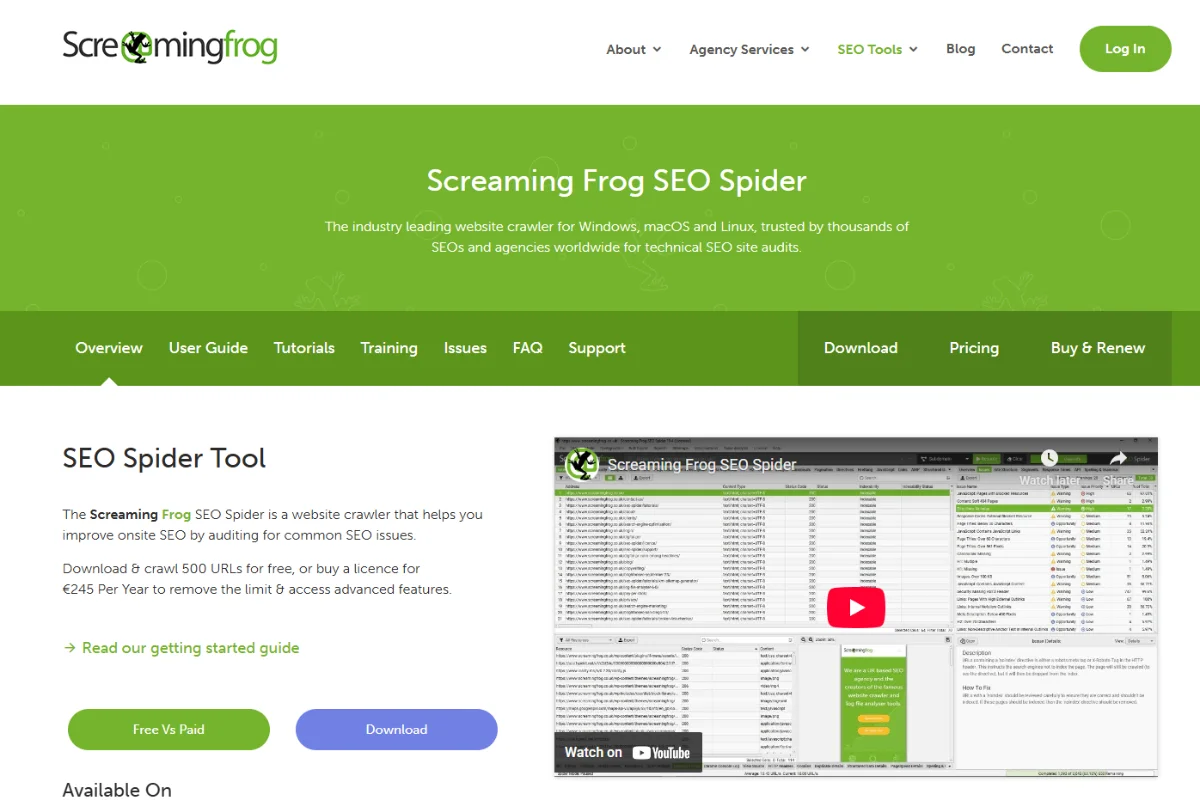
Screaming frog is the swiss army knife of tools. It's an all-purpose website crawler that works by extracting data from various URLs and auditing them to optimize search. What’s good about the platform is it pulls data from Google Analytics and Google Search Console as well as other leading SEO platforms like Ahrefs.
It comes with free and paid versions with the former enabling you to audit data from up to 500 URLs. Even better, you can purchase a license to have unlimited access to data sources and enjoy more advanced features as well.
The paid version comes with everything you’d want in a top-class web crawler. You can evaluate internal linking, detect duplicate content, find redirects and broken links, collect and analyze data from internal and external web pages.
Screaming frog has a free version but it comes with a few limitations. For example, it doesn’t offer access to full configuration, saving of crawls, and lacked advanced features like custom extraction or link metrics integration.
Purchasing a license costs £149 per year, and there are lucrative discounts for those who buy in bulk. For instance, if you buy 5-9 licenses, it’ll cost you £139, £129 for 10-19 licenses, and £119 for 20+ licenses.
This feature lets you assess internal linking and the URL structure, thus forming a good foundation for link building.
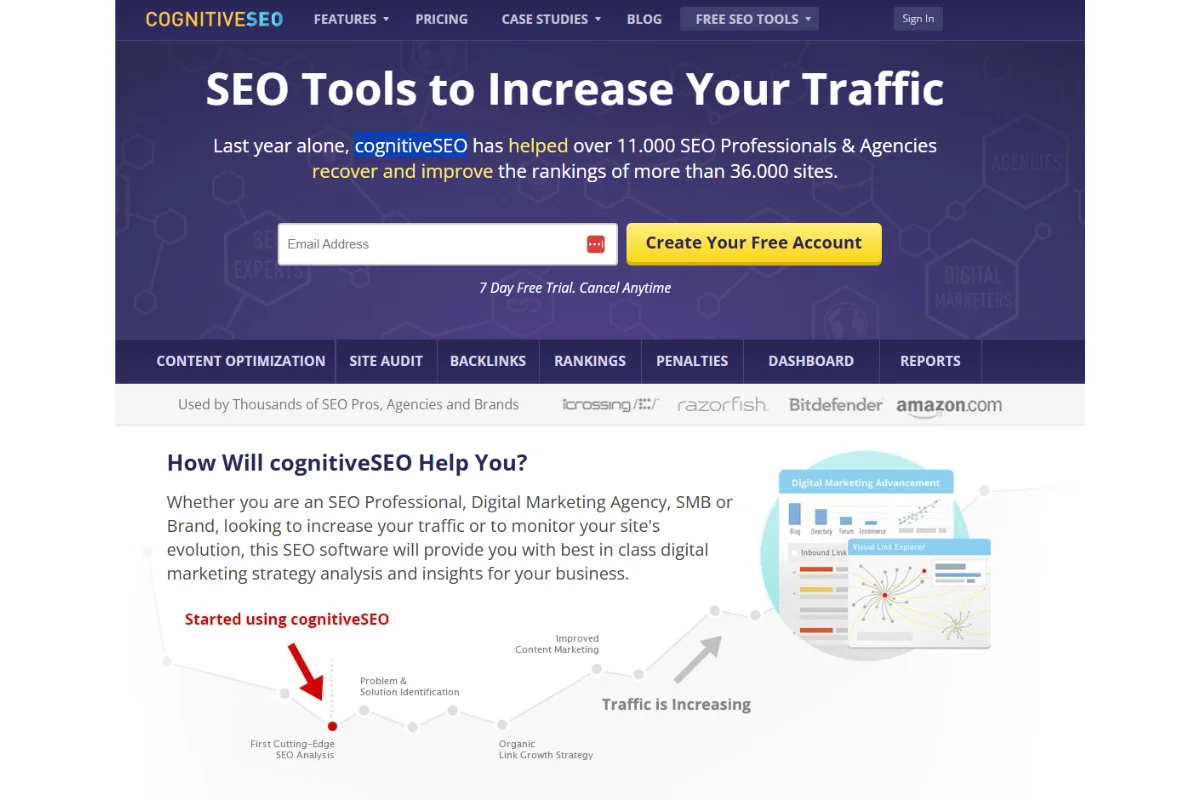
CognitiveSEO is a downloadable software that can be installed to offer backlink analysis. While not on the same level as bigger platforms like Ahrefs, it has some unique features that other platforms can’t boast.
For starters, the unnatural link detection is a feature unique to this tool and one of the reasons it made it to this list. This feature enables you to detect if a site you’d like to link from has a harmful or questionable backlink profile.
CognitiveSEO has an on-page website crawler and SEO audit tool that enables you to point out weak areas that affect your site’s performance. It also offers a pie chart showing your domain profile influence, which is a nice touch!
After completing your 7-day free trial period, you can decide to upgrade at the cost of $129.99 per month.
You can use this feature to calculate how many of your links come from authority sites. This way, you can know the amount of effort to put in to get more of these powerful backlinks. It's a neat feature that allows you to keep track of your link profile.
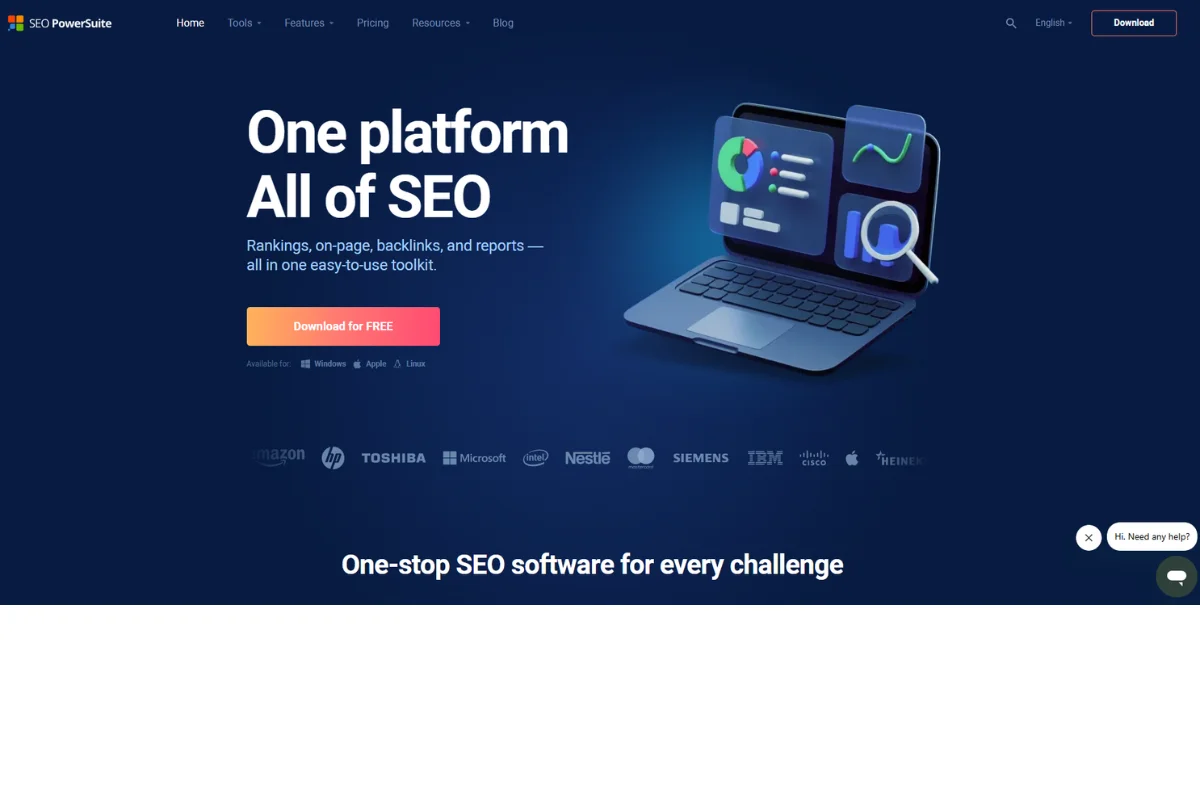
SEO PowerSuite (link assistant) does exactly what it says on the tin. It offers a powerful software suite as downloadable software to serve as your one-stop shop for any type SEO campaign. You can use it for backlink analysis, ranking data, on-page audits, and even PPC Ads optimisation options.
The best part about this tool is that you can preset all your research and analysis in a matter of minutes such that by the time you log in to your computer the next morning or after a few hours, all the reports and suggestions will be ready.
While it may contain tools which some link building specialists may not need, it’s a nice package for those who do.
It's available in two license types; the professional plan costs $149, and the enterprise plan costing $349 (all billed annually). There’s also a free version with basic features. It's definitely one of the best priced tools out there and perfect if you are just starting out.
The feature enables you to analyze up to five of your competitors’ sites and gather insights on how to boost your link building activities. It also creates bespoke link building reports as and when you need them. I am playing with this tool at the moment and it looks promising.
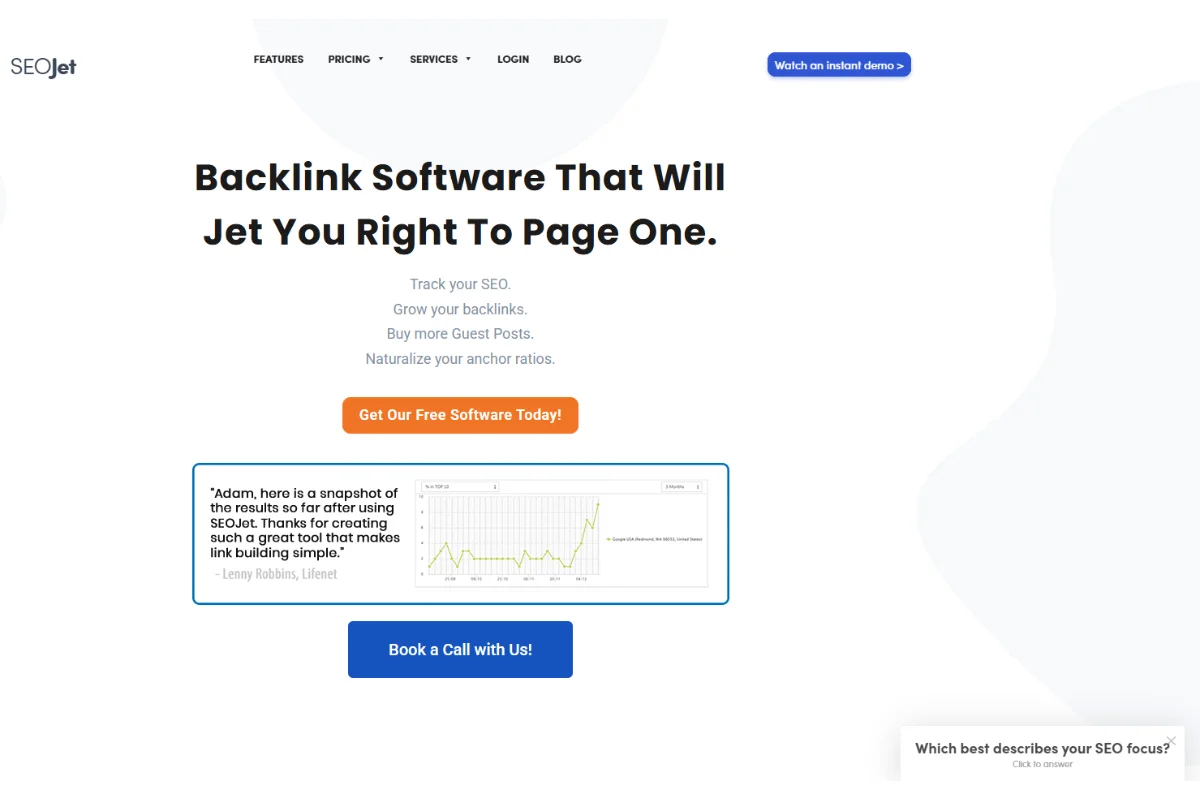
There’s more to link building than simply looking for reliable websites; using the right anchor text for every backlink is equally essential. SEOJet is a nifty tool that helps you analyze your competitors’ moves, suggests anchor texts to use and even detects unnatural links.
The Launch plan goes for $57.50 per month while Attack which is the highest costs $165.83. There’s also a 14-day free trial to help you get started!
This feature makes it easy to create a natural anchor text profile that Google loves. It also automates the process of choosing great anchor texts for each link you acquire.
Outreach is where link building usually breaks down. Not because opportunities don’t exist, but because tracking contacts, follow-ups, and conversations gets messy fast.
Outreach tools help organise prospect lists, manage emails, and keep campaigns moving without losing control.
These are the tools worth looking at:
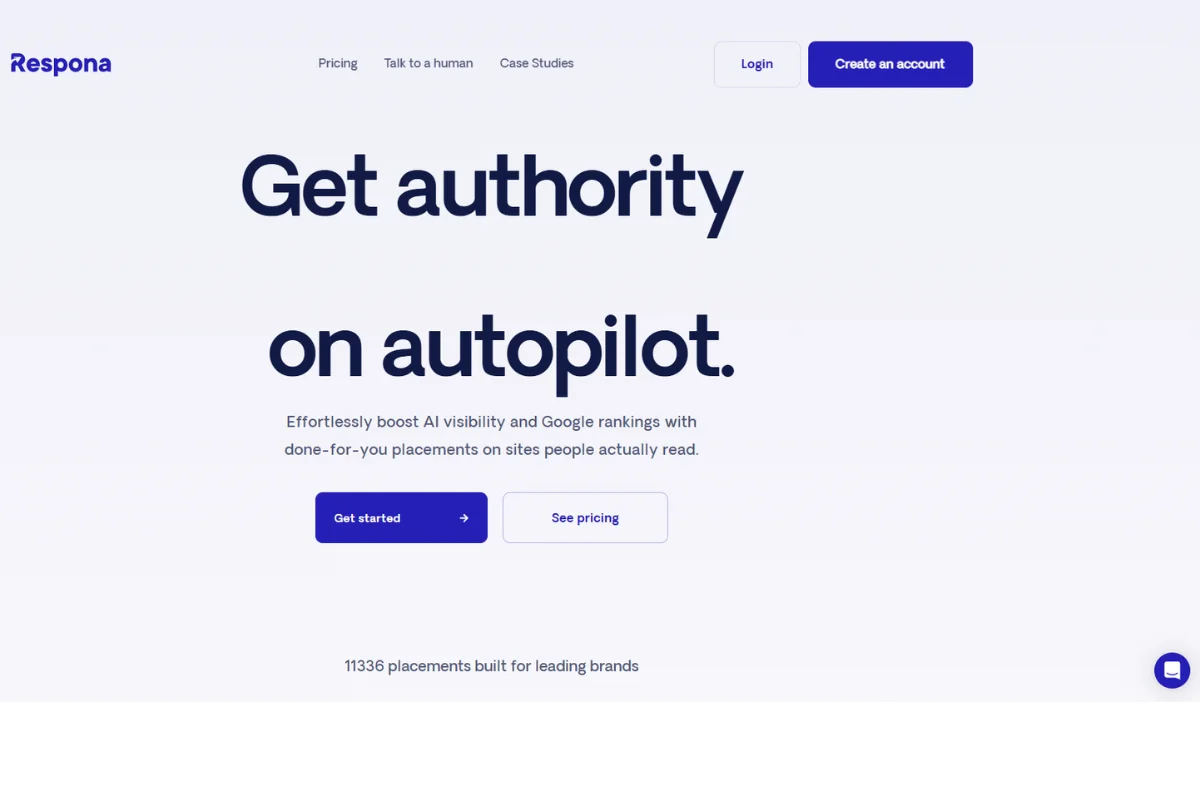
Respona is an all-in-one blogger outreach platform outfitted with all of the necessary tools to set up and launch an outreach campaign of any kind, be it for link building, digital PR, marketing, or even sales.
It’s integrated with Google’s search engine for streamlined prospecting, and pulls metrics like Domain Rating and Ahrefs Rank directly from Ahrefs.
An easy-to-use email finder is also included, making it extremely easy to find the right person’s contact information for email outreach without having to rely on any other tools.
Respona’s intuitive interface guides you through every step of creating and launching your outreach campaigns, keeps track of your performance, and also the status of your conversations with each prospect.
The tool will be especially useful to link builders, as it was initially used to help Visme scale their link building outreach efforts, helping the website gain over 2 million organic visitors a month.
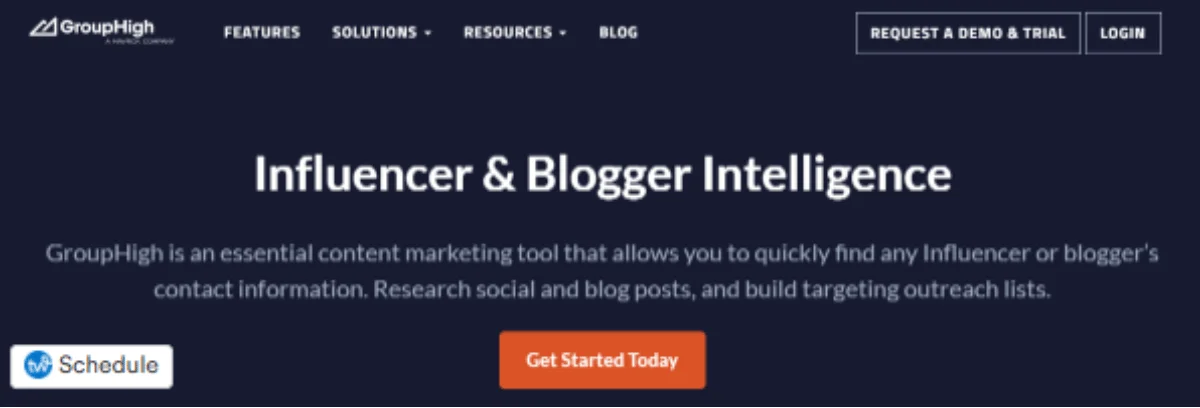
Their tagline is "The ultimate swiss-army-knife of blogger outreach, influencer marketing, seo, and affiliate marketing tools."
With it, you can discover the influencer and blogger social profiles that have the right audience for your brand. As an outreach tool it could be very useful if you just want to guest post , it can help you find guest blogging opportunities pretty easily.
The creator claims that it offers the world’s largest database for blogs and influencers. After playing around with its search filters, the results for my keywords were quite impressive! Not only do you discover the audience size for each influencer, but also critical info including their niche, location, websites, blogs, and more.
For link building, GroupHigh allows you to batch import social URLs, blogs, and websites from other similar tools such as BuzzSumo and Ahrefs. Further, you can automate functions like influencer social profile research and targeted outreach.
You can try the tool for free for 7 days. From there, prices begin at $179 and climb to the dizzying heights of $499 a month. However, we feel it’s worth it for lots of users.
A relevant Guest Post is a beautiful thing (in my opinion). Having a blog search engine in one place can take the strain from guest blogging and outreach campaigns.
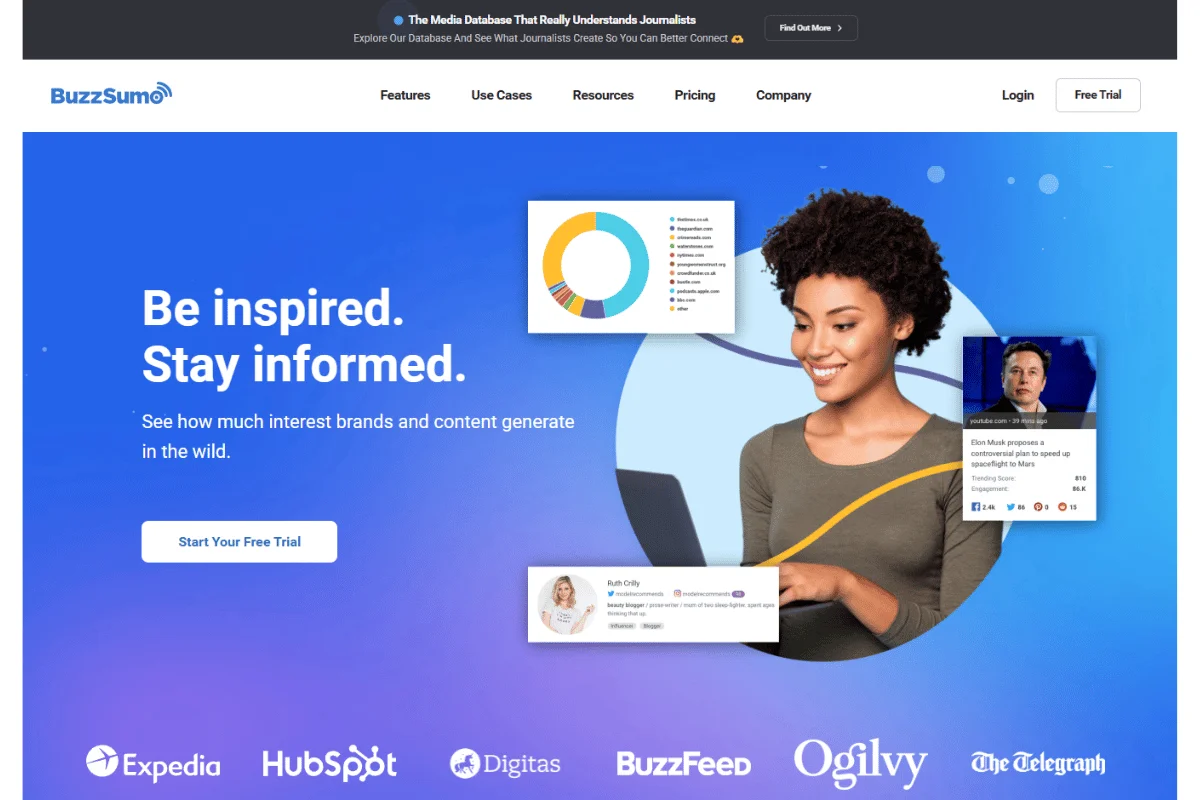
Initially, BuzzSumo was a content marketing tool that you’d use to discover viral content across various niches. But it has since evolved into an all-purpose digital marketing tool for outreach, link building and research.
I use BuzzSumo regularly to build useful connections to influencers with an aim to leverage those for link building. You can also use it for tracking things like brand mentions.It comes with four primary features namely discovery, research, monitoring, and influencers.
Discovery and research features allow you to find linkable content using relevant keywords in your niche. The monitoring feature provides insights into useful metrics that you discover from your selected URLs.
BuzzSumo has four subscription plans namely Pro, Plus, Large, and Enterprise. If you’re just starting, I recommend the Plus Plan, which has a decent combination of link building features. It costs $179 monthly and $139 monthly if you purchase the annual plan.
The influencers feature shows where key influencers in your target location are sharing their content. This way, you can discover opportunities for creating relevant backlinks especially if you’re in the local SEO space.
BuzzStream is an email outreach system that I know a number of agencies and link builders use. It's an outreach tool that we looked closely at when choosing our own tool.
A few key features to like about this tool are campaign management, contact information discovery, and outreach templates. You can use it to research information about the prospects you’d like to network with, including their email details.
Finally, it helps you easily track specific conversations with your prospects when you have numerous outreach projects open. I would use Buzzstream if I was a freelance Link builder or possibly an agency with a focus on PR outreach.
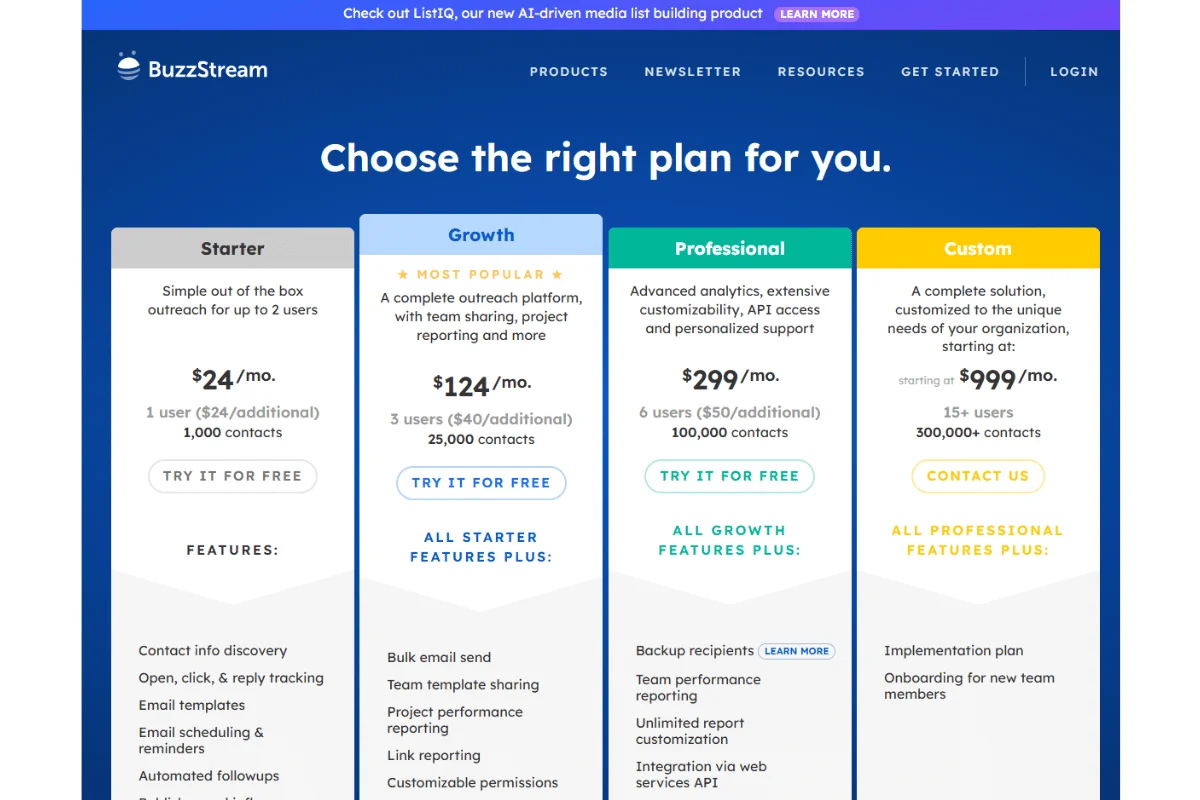
BuzzStream offer a free trial, but after this, the Starter Plan which is suitable for personal projects will set you back $24 per month. There’s also a group plan that goes for $999 per month which is best suited to bigger organisations that need multiple logins.
I love BuzzStream's Chrome browser extension known as BuzzMarker. It helps you scan websites and social profiles for contact information and where email addresses are not found, it provides the link to the contact page.
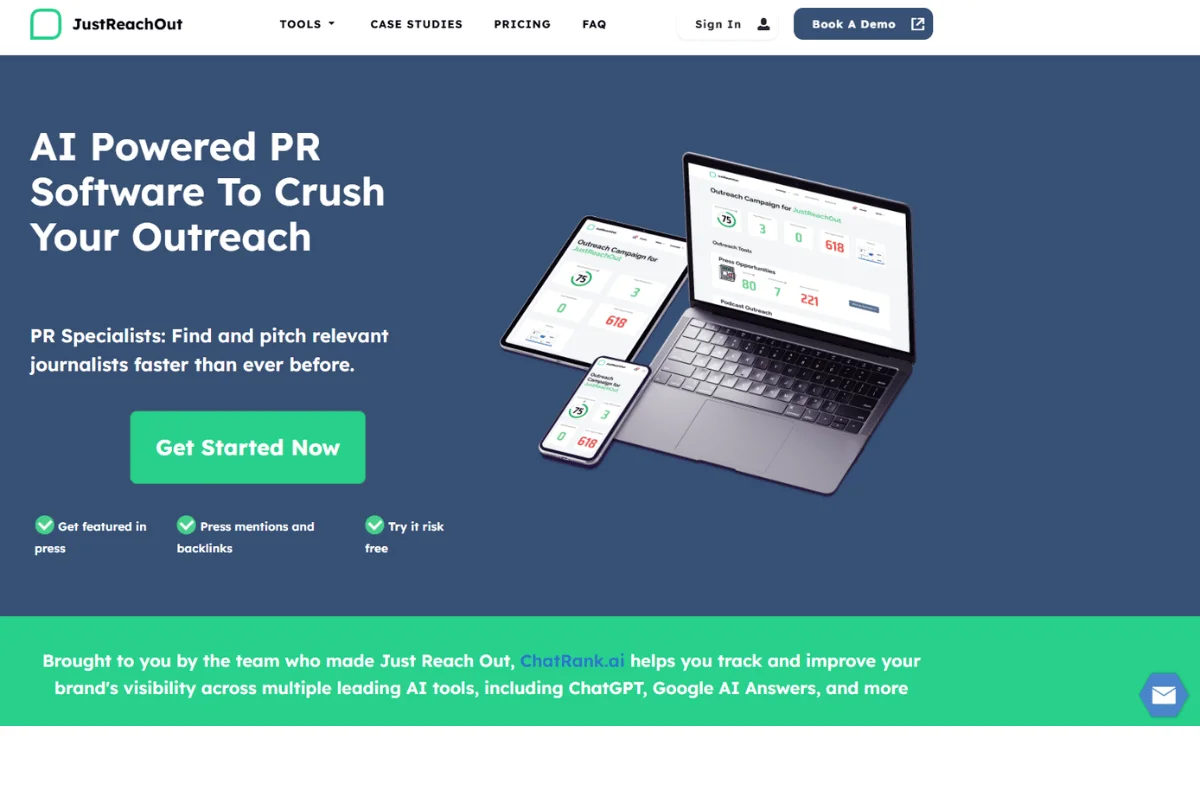
I really like JustReachOut, it is all about pitching to journalists and media groups. It provides a rich database to discover journalists, their ranks in respective industries, content, guest posts,location, and much more. Essentially, this platform exists to help sites get their blog post and web addresses mentioned in various media publications.
The software shows by rank the list of journalists who would be interested in linking back to your website. It also connects you to editors who comment to increase the reply rate.
We are looking to test this platform for sniper focused PR type pitches. When it comes to building links it's good to test new prospecting tools.
JustReachOut offers three pricing plans namely Simple Outreach, Advanced Outreach, and Guided Outreach which cost $159, $319, and $559 respectively. This may sound steep but the tool can be worth its weight in gold especially if your links appear in large and prominent publications/web pages.
Find Press opportunities and Journalists covering your topic and keywords. This is a great feature when you want to take a more targeted 'sniper' approach to you Link building strategies.
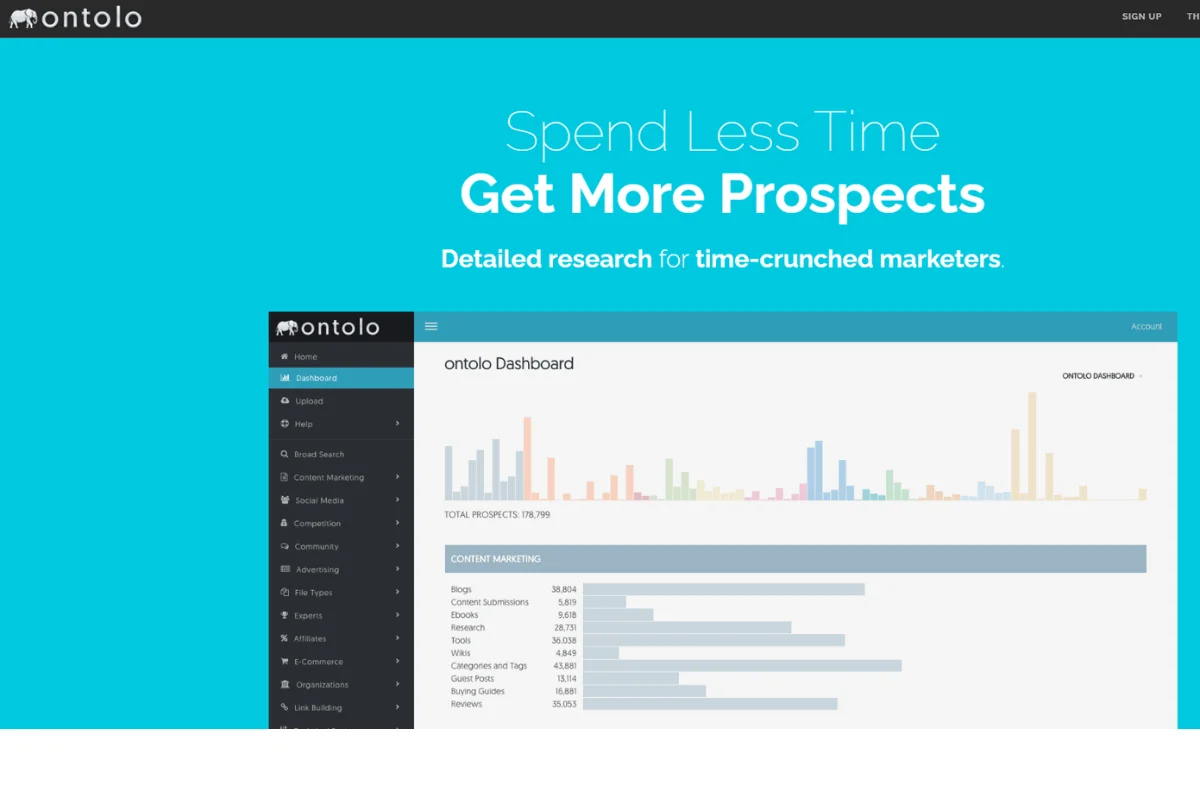
Ontolo is a multi-purpose tool that offers functions spanning from link building through to social media analysis. You can use it to discover influencer prospects,dig for viral content, and find popular blogs that you can reach out to for backlinks.
According to the developer, Ontolo crawls over 400 million URLs daily making its database a rich source for link building information. What’s more, it supports two critical outreach functions; prospecting and querying.
With prospecting, you can either instruct it to find new prospects in its database or upload a URL list for it to scan. In my experience, working with uploads is faster and I can even use other outreach tools as my data source.
Querying allows you to fine-tune your search results to include social profiles, ads, contact pages, and more. Not only do you find prospect info by topic/term but also by opportunities to determine the best places to promote your content for backlinks.
The cheapest pricing plan starts at $97 per month and goes up to custom plans.
You can use any of Ontolo’s 700+ prospecting templates freely. Plus, it has a simple interface that connects you to all its features in just a few clicks.
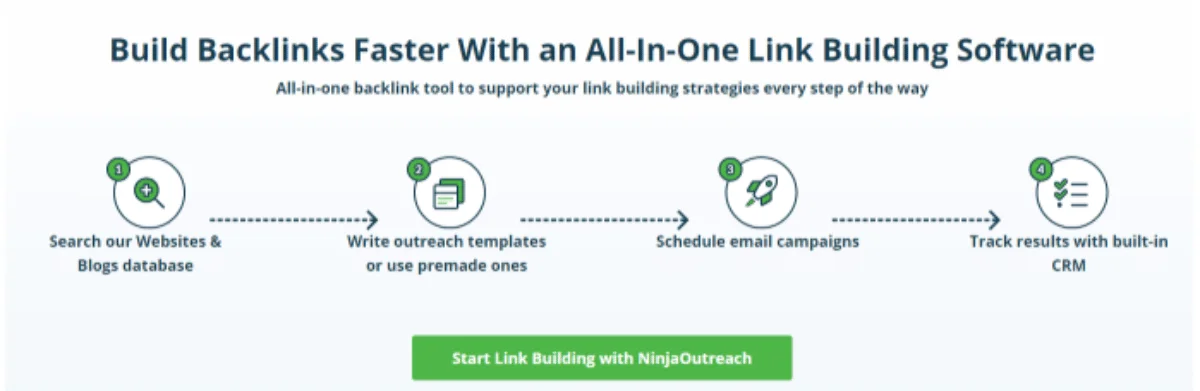
This is the tool we first used as an outreach company to put together our link outreach campaigns and find blog post opportunities but we moved on to another platform as we outgrew Ninja Outreach. To be fair it's evolved a bit over the last few years and has refined into a better product.
Like other outreach platforms, NinjaOutreach is about building links through reaching out to bloggers and third-party platforms. But it stands out for one reason – it has a large and highly refined database. For example, you can choose to organize the search results to rank the prospects by social metric or reach.
Combine this with other filter options such as Page Authority, Domain Authority, and backlinks stats and you have access to rich information for creating a powerful link building campaign.
Prices start at $69 a month but climb to $599 for all in memberships.
This feature helps you visually organize your contacts and levels of engagements. For better results, you need to customize the templates regularly to suit each prospect in your list.
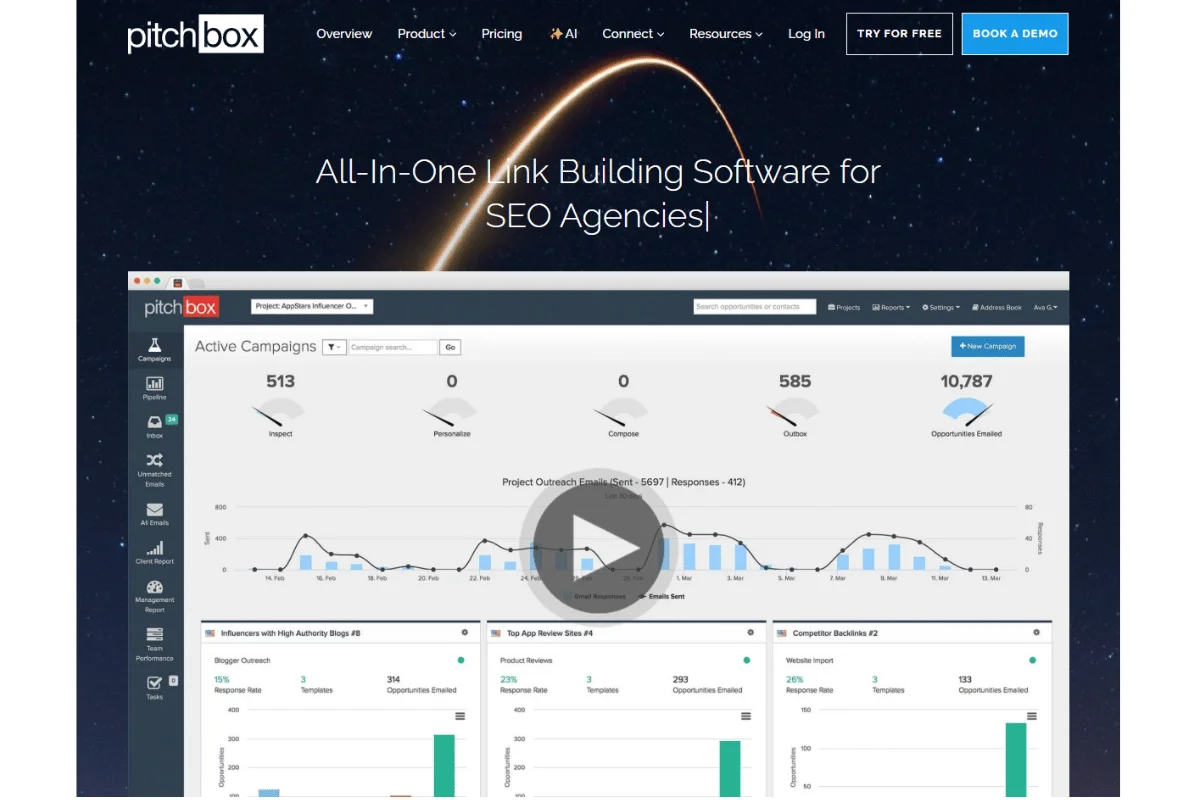
I have to say, for our business implementing Pitchbox has been a game changer.
We would not have been able to scale the way we have without it. I can't speak highly enough of it. Of all the Link building tools we have looked at,trialed or used this is the best.
Pitchbox is a true end-to-end Link Building Productivity Platform. From the initial building of a list of sites through to email delivery it has it all. Email outreach,sequencing and follow ups are done seamlessly. If you want a tool to manage the link-building process, this is it. New features include 'Deliverability' so that you can check the health of your outreach emails and your email accounts.
Pitchbox enables you to integrate various SEO metrics including Ahrefs, SEMRush and Moz.
Pitchbox’s high price may deter new link builders with packages ranging from $195 upwards. But if you can afford this price point, it’s absolutely worth the money!
Pitchbox supports various types of link building campaigns such as competitor backlinks, link removal, blogger outreach, product reviews, and recent press posts. We regularly use the resource page campaign to find resource page opportunities for our clients.Tie that in with the ability to to use search operators and you don't really need another tool.
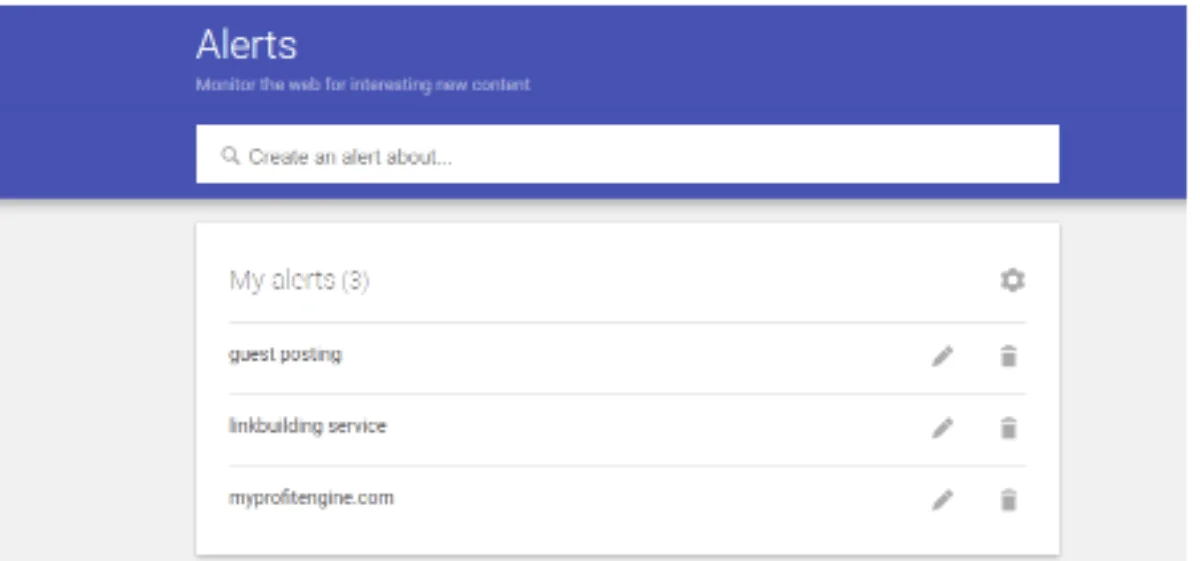
Google Alerts is a lovely little tool for monitoring campaigns and keywords. It can help you discover popular phrases and words in your niche and adjust your link building strategy effectively.
For link prospecting, it has multiple benefits to offer. For example, you can track every mention of your brand to discover the unlinked ones. Similarly, you can use it to research your competition by tracking where they’re getting mentions. To be honest google webmaster tools and Bing webmaster have a few useful tricks to them and are worth checking out.
Free
Google Alerts is one of the few value-packed tools that come free. This alone is reason enough to make it on to our best link building tools list!

Link Signal is a specialist link building platform that’s growing steadily in popularity. Its focus is backlinking content to build credibility and trust across the web and it does this rather well.
I met with the founder Hamlet and was impressed with the product.
The platform uses artificial intelligence bots to offer outreach research and discovery. Can you trust it to help with your link building campaigns? Absolutely!
For starters, you can use it for keyword research to ensure your content is optimized for search engines. It also provides a database containing contact information for authoritative domains in your niche so that you can build your list of link opportunities.. You can gather valuable prospect data including links to influencer social profiles, influencer names, email addresses, and location.
LinkSignal has a free option but those looking for more will want to check out their Premium and Agency subscription packages priced at $99.99 and $199.99 a month.
This feature lets you scan influencer websites, blogs, and social profiles then identify how they relate to one another. It also compiles all your query data into a zip file to allow you use the data in other outreach and CRM tools.
Over time, even careful link building can result in low-quality, spammy, or irrelevant backlinks pointing to your site. Disavowing tools exist to help you clean up those risks before they start affecting rankings.
These tools help identify, manage, and submit disavow files without turning the process into a manual headache:
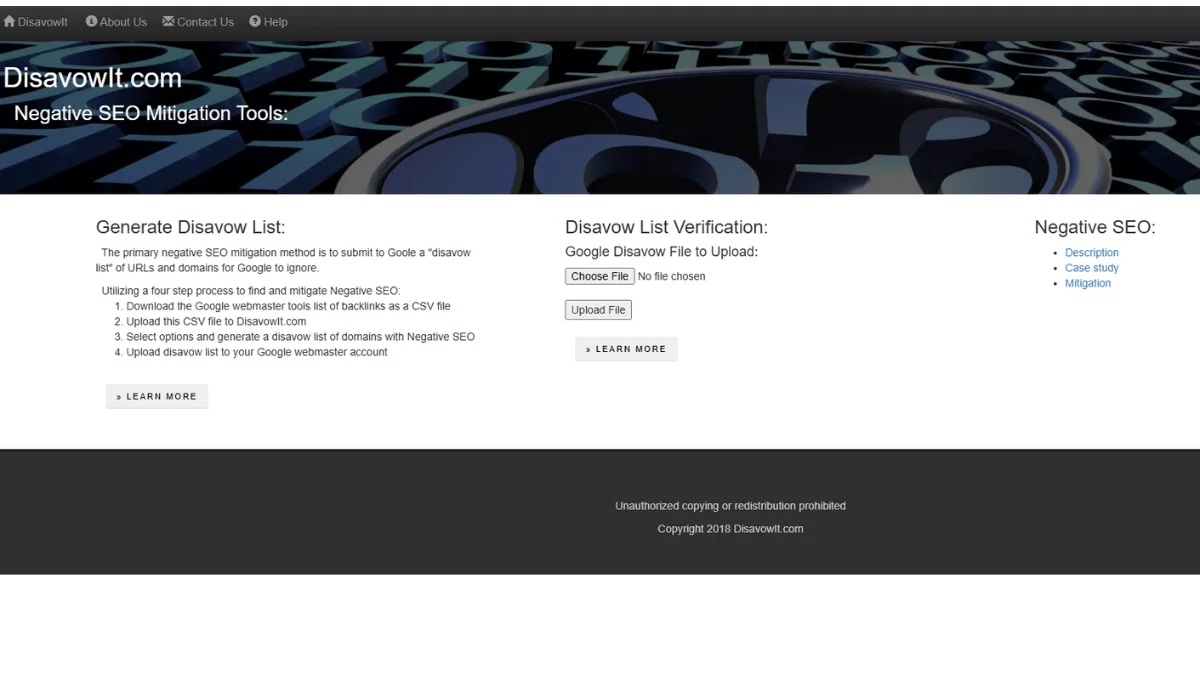
Those familiar with disavowing links will know it can be difficult and stressful. The process involves finding ways to isolate your site from untrustworthy links.
DisavowIt offers a simple and painless way to do this. Without tools like this, you’d need to manually create and format a disavow file to upload on Google Search Console.
The tool can be pretty useful for link building, particularly when your site is recovering from manual penalties.
DisavowIt is free to use!
This feature helps you decide which links to disavow and those to stay on your site.
Creating a disavow file manually can be quite a lot of work and time-consuming too. If you need a tool that takes the guesswork out of this crucial process, this one is definitely worth a try!
Sometimes the fastest link-building wins happen right in your browser. Extensions remove friction from prospecting by surfacing key metrics, contact details, and site signals while you’re already reviewing pages.
Here are the browser extensions to help you qualify prospects, find contacts, and evaluate link opportunities without switching tools or tabs:
Looking to gather email addresses for a website you’re targeting for outreach? I can happily recommend the Hunter.io chrome extension. Not only is this tool quick at finding relevant emails but in my experience, the contact information you find is also very accurate. If you have a link prospector then since can be an indispensable addition to there tool stack.
It instantly scours the internet for data from multiple sources that are connected to the website owners. The search functionality also makes it easy to connect with the company's decision-makers who have the authority to run links on the websites.
You get 50 free requests per month and thereafter pay up to $399 per month depending on usage.
Hunter.io verifies each email to let you know whether it’s still active before starting your outreach.
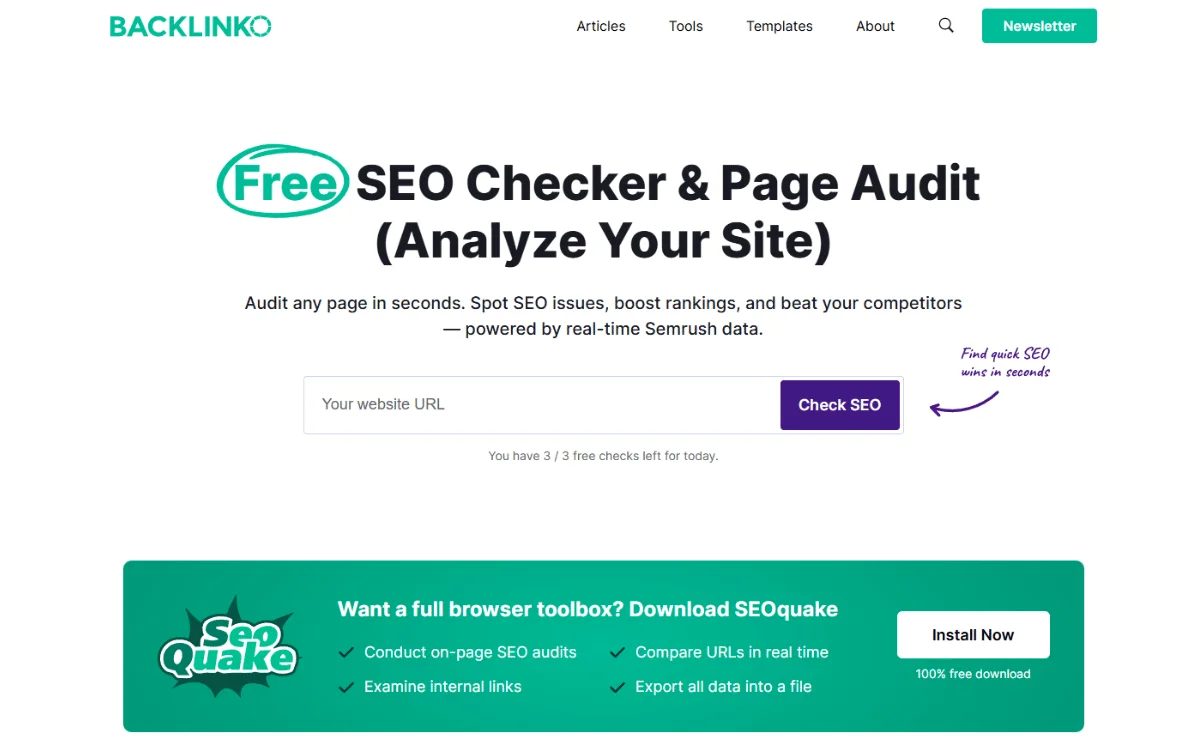
If you’re a fan of browser extensions, SeoQuake is a tool you’ll want to add to your link building arsenal. You can install it in most major browsers including Firefox, Chrome and Safari.
I like that it's easy to conduct site audits and offers pretty much every search engine detail you need to know about a website. SeoBar is a part of the extension that gives you the values of essential parameters for the page you’re visiting. This way, you can easily determine whether a link from that website is worth pursuing or not.
View the search results and website data in CSV format that includes key metrics such as Pagerank, number of pages indexed by Google, Alexa rank, and much more. This helps you determine the value of sites when creating a list of link prospects.
Free
This shows areas of your website that require improvements and how to fix various optimization issues.
Popularly known as Moz, this was one of the very first SEO tools in the market. It’s incredibly easy to add to your Google Chrome and other browsers with nearly half a million installations to date. The versatile extension shows some really useful on-page metrics including title tag, meta robots, alt text and domain authority.
It also highlights the anchor texts that were commonly used by other sites to link to your website to help you prioritize the right keywords for your future content.
Apart from link building, you can also use MozBar to find out about a site’s HTTP status codes, schema markup, and much more.
MozBar has a 30-day free trial after which you will pay up to $99 per month
This tool offers a deeper understanding of the types of links pointing to a page, which helps me gauge how worthy a link from that site is.
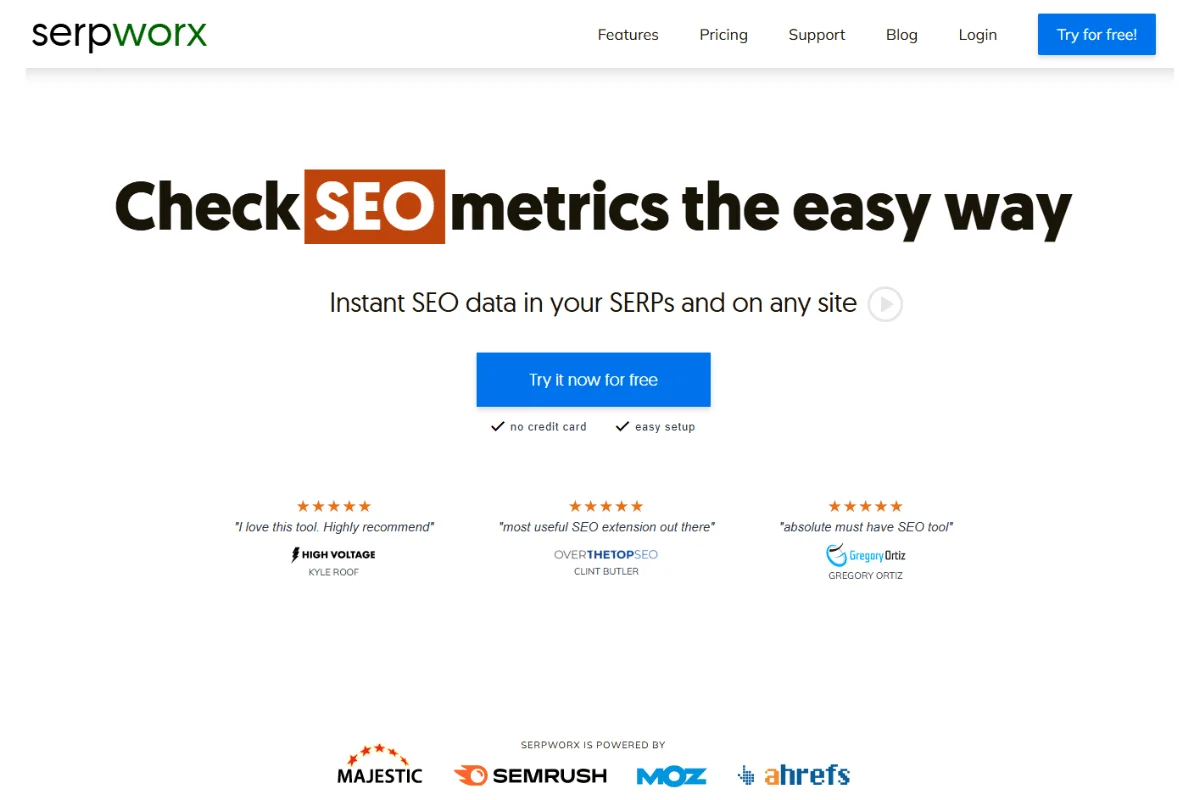
SerpWorx is a premium extension that provides more than 30 different SEO metrics for any website without leaving the Google search results. It uses a handy little sidebar that cuts the time you need to research data about pages and sites.
I love this SEO tool and it's something I use every single day.
Some of the SEO metrics it provides instantly include trust flow, citation flow,domain authority, domain rating, target keywords, and estimated monthly traffic. I love how the sidebar offers a quick scan of key competitive metrics in a few simple clicks.
To say it saves me tens of hours every month is an understatement because there’s simply no other tool like this. I’m happy to pay a premium for its in-depth competitor analysis reports!
SerpWorx offers a 3-day free trial and $29.95 per month thereafter.
I love the fact that you can look at all the key metrics of a site in one fell swoop, it makes site research a breeze!
Those are the 25 best link building tools I (and many other link builders I know) utilize nearly every day. There are others that we have not mentioned such as Citation labs Link Prospector and Link Research tools.
We are planning to expand this list so feel free to recommend any you feel we have missed off.
Of course you won’t need all of them, so how do you choose what to spend on and what to ignore?
Now it’s your turn.
Which of these link building tools is a must-have for you? Did I leave out your favourite? Please let me know in the comments below!
Link outreach doesn’t magically happen when you open an outreach tool and start clicking.
It has to be a process. A clean, repeatable workflow that keeps you organised, intentional, and always focused on quality over quantity.
Here’s how we think about it when we’re running real campaigns:

Link building can feel like a full-time job, especially when you’re juggling research, outreach, and tracking links across multiple campaigns. Automation doesn’t replace strategy; it streamlines the workflow so you can focus on acquiring high-quality links that actually work.
Think of link-building automation as a full pipeline that supports you from research to reporting:
The very first thing to do is to find the right sites. With automated tools, you’ll be able to scan competitor backlinks, detect unlinked brand mentions, and highlight relevant publishers, blogs, or influencers.
This creates a curated list of opportunities that’s already filtered for authority and topical relevance. You still need to vet each site for content quality, but automation saves hours of manual hunting.
Once all the prospects are identified, automation handles the busy work of outreach. It then pulls verified contact information, schedules personalized emails, and automatically manages follow-ups.
That means no more juggling spreadsheets or forgetting to follow up on important leads. The key is keeping your messaging personal; automation only handles timing and consistency.
Acquiring a link is just the start. Automation keeps track of where the link lives, warns you if it gets removed, and tracks the effect it has on your rankings.
Some tools go even further, giving insights into competitor link activity so you can seize opportunities early.
Done right, automation doesn’t just give you speed; it builds a seamless link-building process.
It takes care of repetitive tasks, from prospecting to outreach to tracking, so you can focus on the strategic moves that really grow your link profile safely and effectively.
The wrong links can hurt you more than no links at all. If you chase shortcuts, buy links, or pick up backlinks from sketchy places, Google won’t just ignore them; it can start questioning the credibility of your whole site. That’s how ranking drops happen.
Keep these pointers in mind to avoid bad links:
Link building is about getting the most value from the effort and budget you put in. A high ROI means your links are helping rankings, traffic, and conversions efficiently.
Here’s how to make every link count:
Traffic is only one reason for link-building. Even if you have the highest-quality links, they won’t help much if the visitors leave without taking action. Focus on improving page layout, load speed, CTAs, and trust elements.
Small improvements in conversion rates can dramatically increase ROI without needing more links.
If your content improves, the impact of each link will be greater. So, deep, well-structured content will naturally earn you higher rankings, and you’ll also require fewer backlinks to compete.
It would be better if you updated pages with fresh data, enhanced readability, and organized content, making them easier to scan and maximizing link value.
Not all links are equal. Using a variety of anchor texts, branded, partial match, exact match, and generic, makes your link profile look natural and maximizes ranking potential.
Plan your anchors around your target keywords while avoiding over-optimization.
Don’t just focus on “money pages.” Your blog posts, case studies, and resource pages can attract better links more easily and still pass authority across your site.
Evergreen content, in particular, continues to earn links long after publication.
One authoritative link is often worth more than having tons of low-quality ones. So, target domains that have relevant authority in your niche, and avoid irrelevant or spammy sites.
Leveraging existing networks, partners, clients, or industry contacts can also yield high-value links with little extra cost.
Links aren’t permanent. This is why you should regularly audit your backlink profile to identify any lost or broken links and, where possible, reclaim them.
Diversifying your link sources also protects your site from algorithm fluctuations, ensuring your ROI remains stable over time.
Identify your most linkable content and give it a new life. Transform your popular posts into infographics, videos, or guides to attract additional links without even creating something from scratch.
This will multiply the return on your initial content investment.

Here are some of the most common questions that come up when teams start refining their approach:
Look beyond metrics like Domain Authority or PageRank. Check the site’s relevance to your niche, the quality of its content, traffic levels, and where the link sits on the page.
A contextual link from a relevant, trusted page is far more valuable than dozens of links from low-quality sites.
A good tool saves time without lowering standards. It should support prospecting, outreach management, and backlink monitoring in one place.
What really makes it worth paying for is accurate data and automation that supports your workflow rather than trying to replace it.
Scaling doesn’t mean sending more emails or buying links in bulk. It’s about how you are able to systematize your workflow, prospecting, vetting, outreach, and follow-ups, while keeping each link intentional.
Automate repetitive tasks, but always maintain a human check on relevance and placement.
Reduce the manual work by automating follow-ups, sequencing, contact verification, and tracking. The outreach process itself should stay human. Make templates to speed things up, and ensure to personalize the content.
Tools that combine prospecting, outreach, and monitoring in one place let you scale without sacrificing quality.
Link building works when it’s done with intent.
Tools can speed things up, and automation can keep you organised. But the real results come from choosing the right sites, earning links in the right context, and staying disciplined about quality. That’s how link profiles grow naturally and hold their value over time.
That’s also how My Profit Engine operates.
We focus mainly on one thing: link building. No content production, no technical SEO, just strategy-led backlink campaigns built around manual outreach, strict vetting, and safe, contextual placements. From niche edits and guest posts to HARO and tiered link strategies, every link is earned with long-term rankings in mind.
If you’re an agency or in-house team looking for a specialist link-building partner that prioritises quality, safety, and strategy-first execution, book a consultation.


